
Download Desktop Takeover – Photo Overlapping, Dynamic Photo Albums, URL Integration
Overview
Desktop Takeover is a desktop customization tool designed for users seeking to transform their digital workspace into a personalized, visually engaging environment. The application enables users to overlay images directly onto their desktop wallpaper, allowing for creative compositions that reflect individual style and preferences. By offering features such as dynamic photo albums and URL-based image integration, Desktop Takeover enhances the aesthetic experience of working on a computer. It caters to individuals who value visual variety and personal expression in their digital surroundings, including remote workers, digital artists, and casual users who enjoy customizing their devices.
The app addresses the common desire for a more dynamic and expressive desktop by replacing static wallpapers with living, rotating displays of personal photos and online content. Users can create photo albums that automatically cycle through selected images at set intervals, ensuring the desktop remains fresh and visually stimulating. This functionality is especially useful for those who want to showcase memories, artwork, or inspirational content without manually changing their wallpaper.
Although the developer did not provide additional technical details, the app has been available since 2008, indicating a long-standing presence in the desktop customization niche. Its continued relevance suggests a reliable and stable core functionality. Desktop Takeover fits into the broader ecosystem of productivity and personalization tools, serving as a lightweight yet impactful utility that enhances user engagement with their computing environment.
Key Features & Functionality
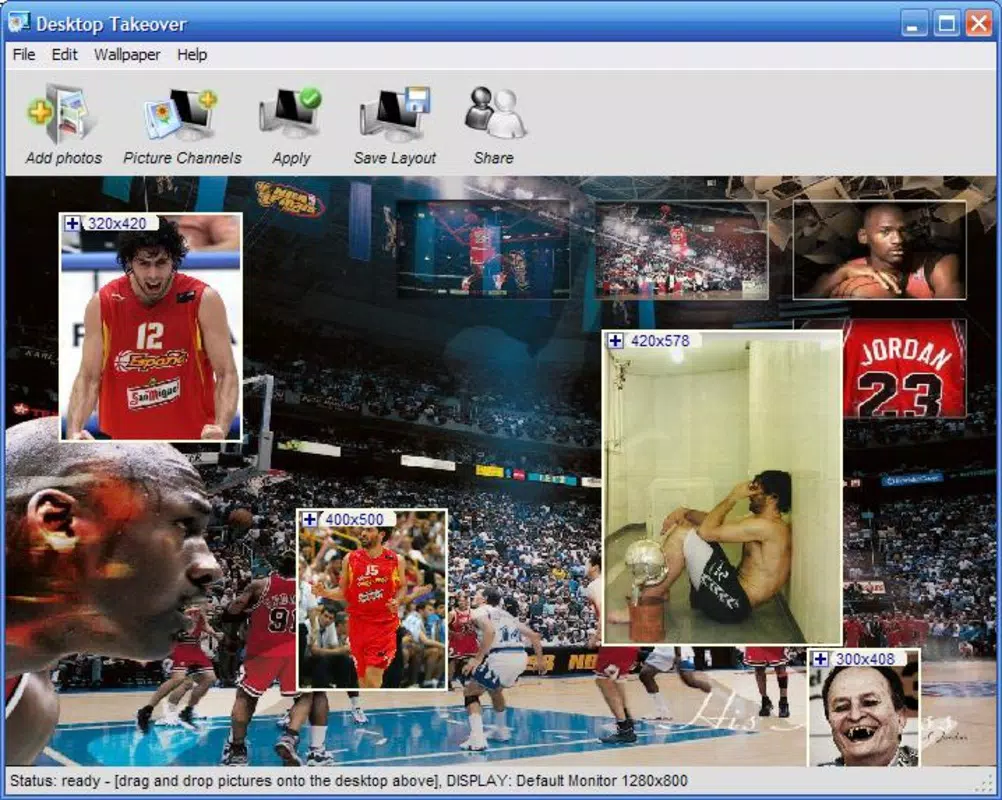
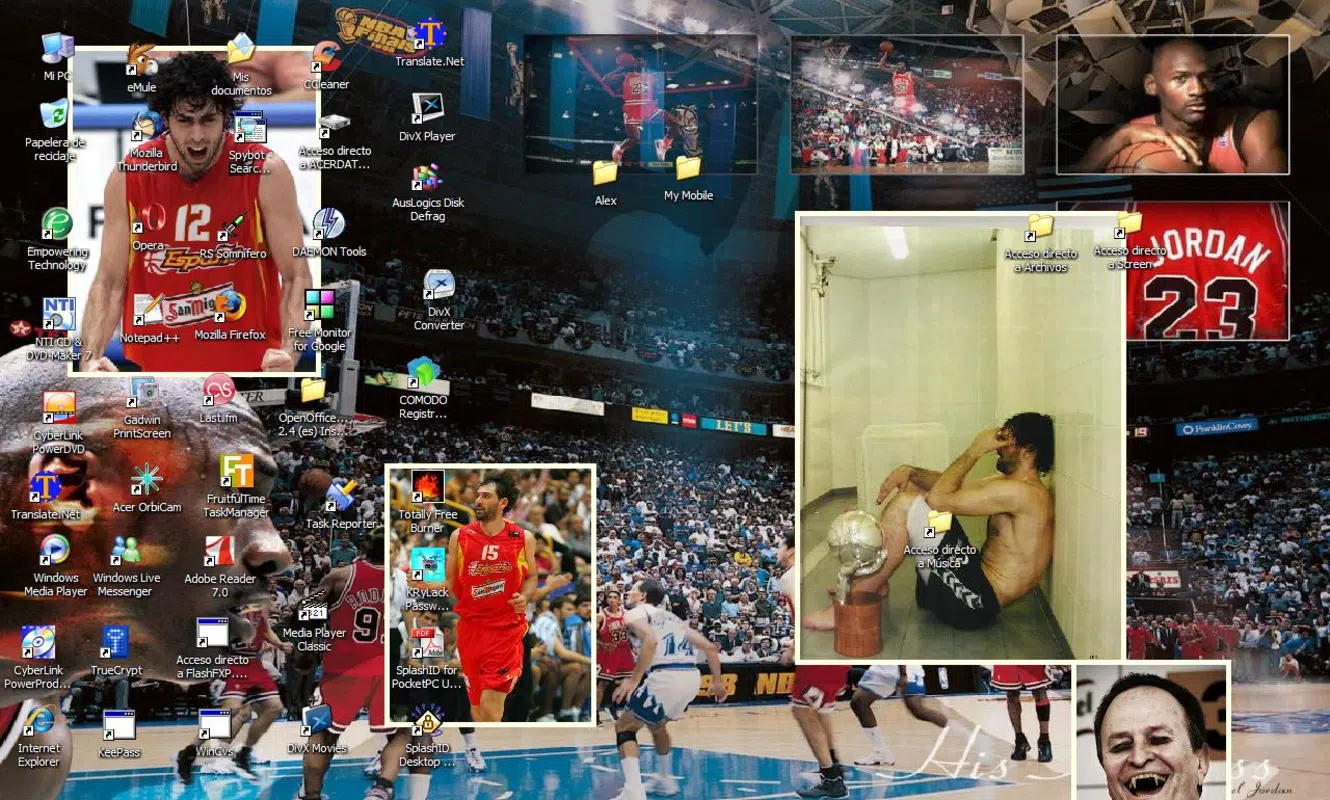
- Photo Overlapping: Users can place multiple images directly over their desktop wallpaper, adjusting size and position freely. This allows for layered compositions, such as placing a favorite photo in the corner or overlaying a digital frame, giving the desktop a unique, curated look.
- Dynamic Photo Albums: By selecting a folder of images, the app automatically cycles through them at user-defined intervals. This feature is ideal for displaying a rotating gallery of family photos, artwork, or seasonal themes without manual intervention.
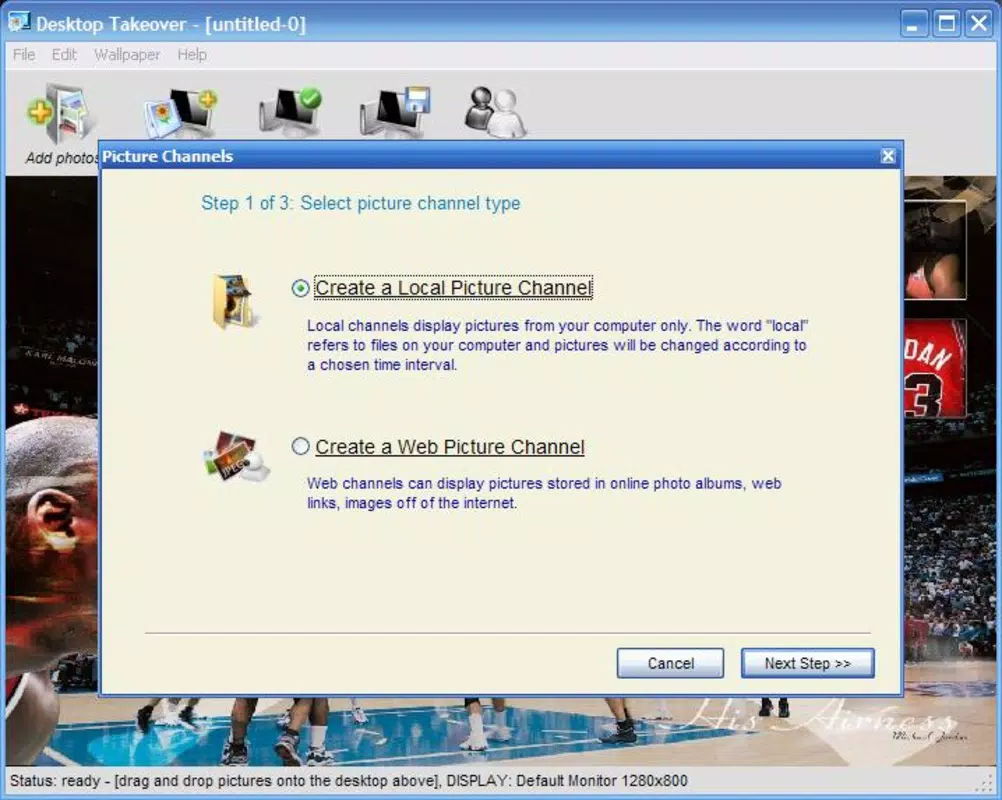
- Easy Thumbnail Creation: Instead of importing images one by one, users can designate an entire folder as a photo channel. This simplifies the management of large image collections and enables quick setup of themed desktop displays.
- URL Photo Integration: The app supports direct input of image URLs, allowing users to incorporate content from the web—such as daily wallpapers, trending visuals, or social media posts—into their desktop layout seamlessly.
- User-Friendly Interface: Designed with accessibility in mind, the interface offers straightforward navigation and clear controls. Even users with minimal technical experience can create visually appealing desktops without needing advanced design skills.
For example, a remote worker might use the dynamic album feature to rotate images of their travel destinations, creating a motivating and personalized workspace. Similarly, a digital artist could use the photo overlapping function to display their latest sketches in a corner of the desktop, using the space as a digital sketchbook.
Interface, UX & Performance
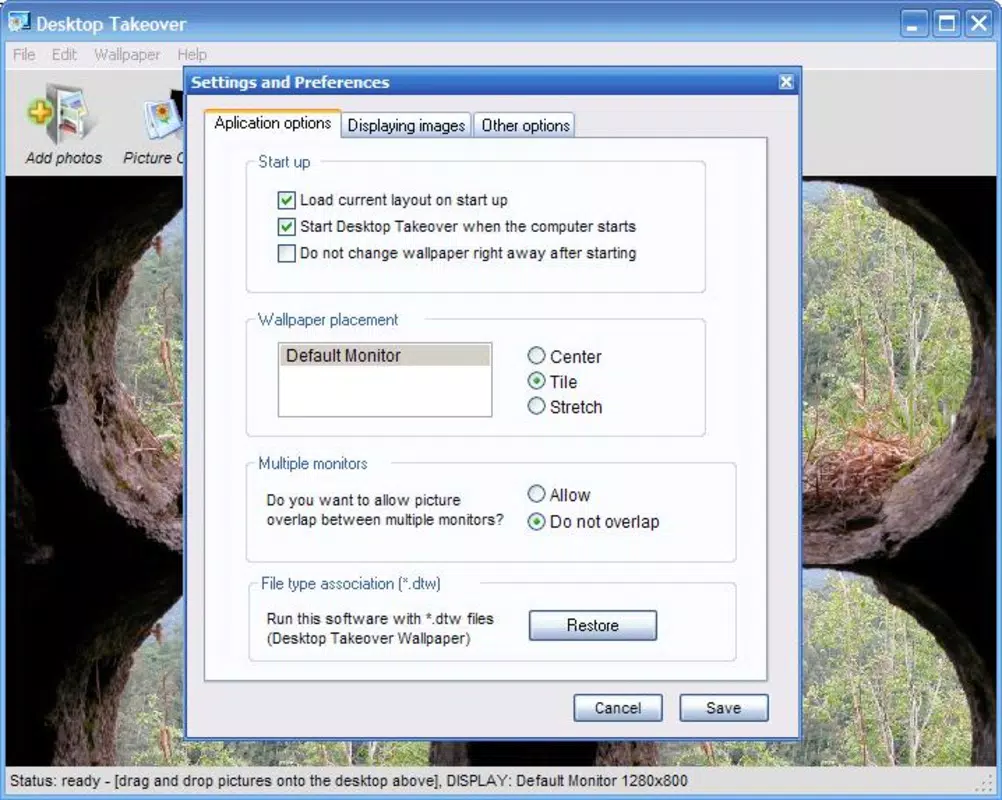
Desktop Takeover features a clean, intuitive interface that prioritizes ease of use. The layout is minimal, with clearly labeled options for importing images, managing folders, and setting rotation intervals. Navigation is linear and predictable, allowing users to access core functions with minimal clicks. The visual design avoids clutter, focusing on functionality over decorative elements.
Users can adjust image size, position, and layering with simple drag-and-drop controls, ensuring precise placement. The app responds promptly to input changes, maintaining a smooth experience during configuration. Although the developer did not list formal performance metrics, the application appears optimized for consistent operation across different device categories, including older systems.
Responsiveness is maintained during image transitions, with minimal lag when cycling through albums. Stability is a notable aspect, particularly given the app’s long release history. While no specific information was provided about memory usage or background processes, the app’s lightweight nature suggests it operates efficiently without consuming significant system resources.
Platform Compatibility & Technical Requirements
Desktop Takeover is designed for desktop environments, supporting Windows operating systems. The app is compatible with a range of Windows versions, though specific OS requirements were not listed by the developer. The file size is not disclosed, but the application is described as a lightweight utility, suggesting moderate storage usage.
Compatibility information was not fully disclosed, and no details were provided about hardware specifications or supported screen resolutions. The developer did not specify minimum OS requirements or processor compatibility. Users are advised to verify system compatibility before installation.
Pros and Cons
- Offers creative photo overlapping for personalized desktop layouts
- Supports dynamic photo albums with automatic rotation
- Enables direct URL integration for online images
- Simple folder-based thumbnail creation for bulk management
- User-friendly interface suitable for non-technical users
- Specific technical requirements were not listed
- Platform compatibility details were not fully disclosed
- Performance metrics were not provided
- No information on update frequency or developer support
- File size and OS version specifics were not shared
FAQ
Is Desktop Takeover safe to download and install?
The app is available through trusted software distribution channels. As with any third-party application, users should ensure they download from official sources to avoid potential risks.
Can I use Desktop Takeover on multiple computers?
While the developer did not specify licensing terms, the app is likely designed for personal use on a single machine. Users should review the end-user license agreement for details on multi-device usage.
Does Desktop Takeover require an internet connection?
Basic functionality does not require an internet connection. However, the URL photo integration feature does require an active connection to fetch online images.
How often can I set the photo rotation interval?
Users can typically set custom intervals for photo changes, though exact time ranges were not specified in the provided information.
Is Desktop Takeover compatible with high-resolution displays?
Although no explicit details were provided, the app is designed to work with standard desktop environments and likely supports high-DPI displays. Compatibility may vary depending on system settings.
Final Thoughts
Desktop Takeover stands out as a focused, effective tool for users who want to elevate their desktop experience through visual personalization. Its core features—photo overlapping, dynamic albums, and URL integration—deliver tangible value in creating a more engaging workspace. The intuitive interface ensures accessibility for users of all skill levels, while the long-standing presence in the market speaks to its reliability.
While technical details such as system requirements, file size, and update frequency are not publicly available, the app continues to serve its niche with consistent functionality. For anyone looking to transform their desktop into a dynamic canvas of personal expression, Desktop Takeover offers a straightforward, secure solution.
Download Desktop Takeover now


